Drivable Wheel Loader with Live Cockpit
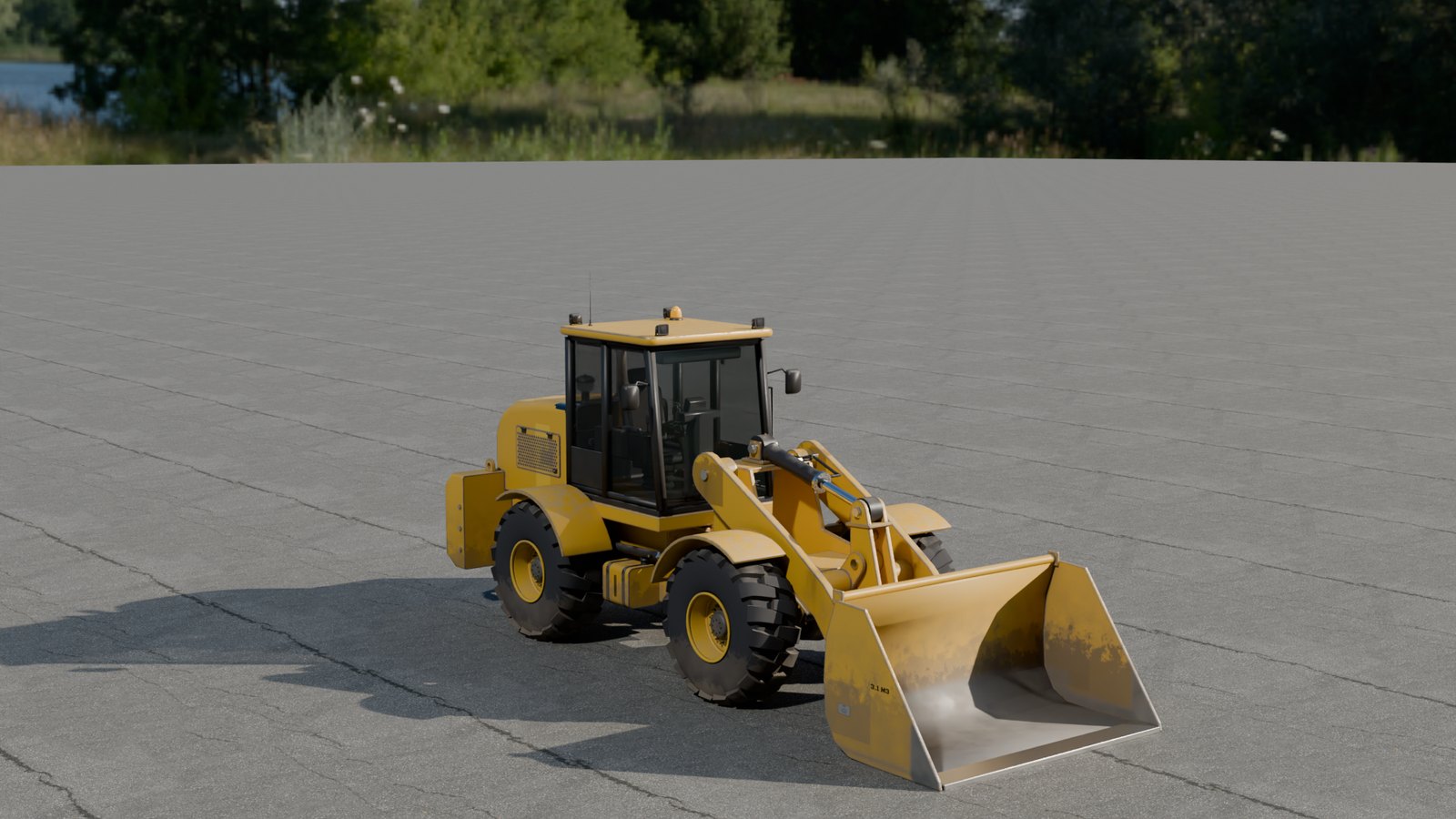
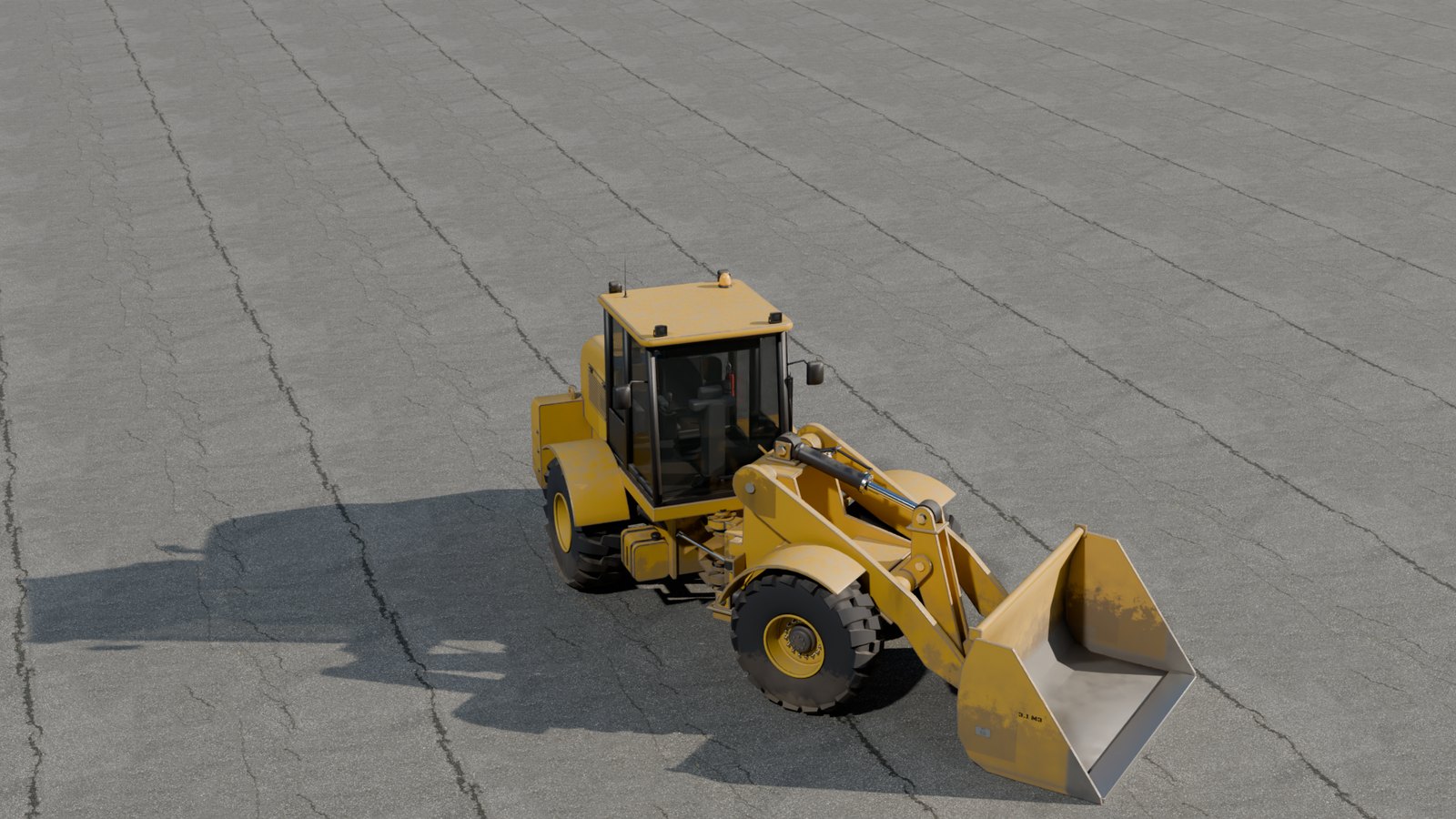
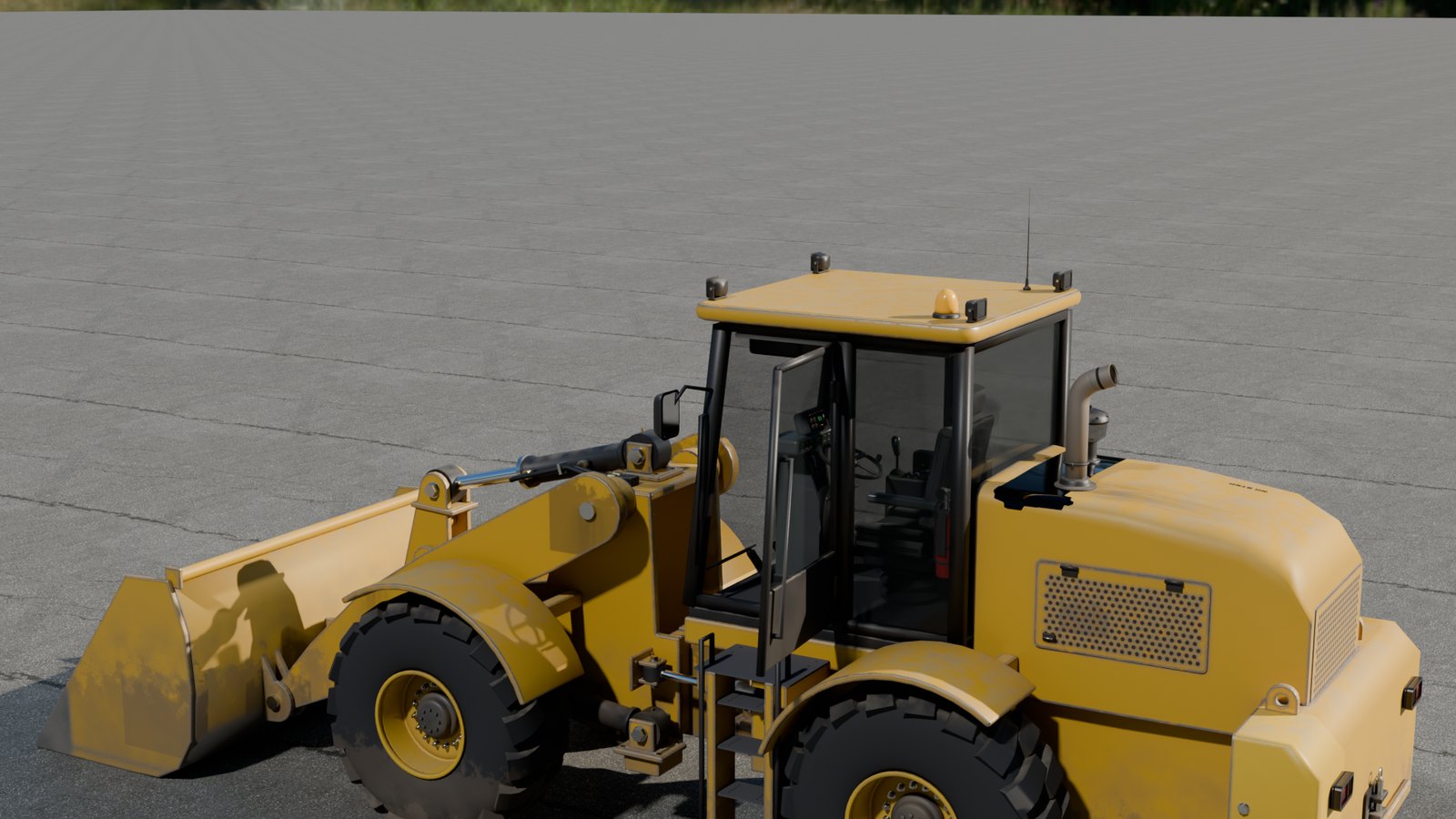
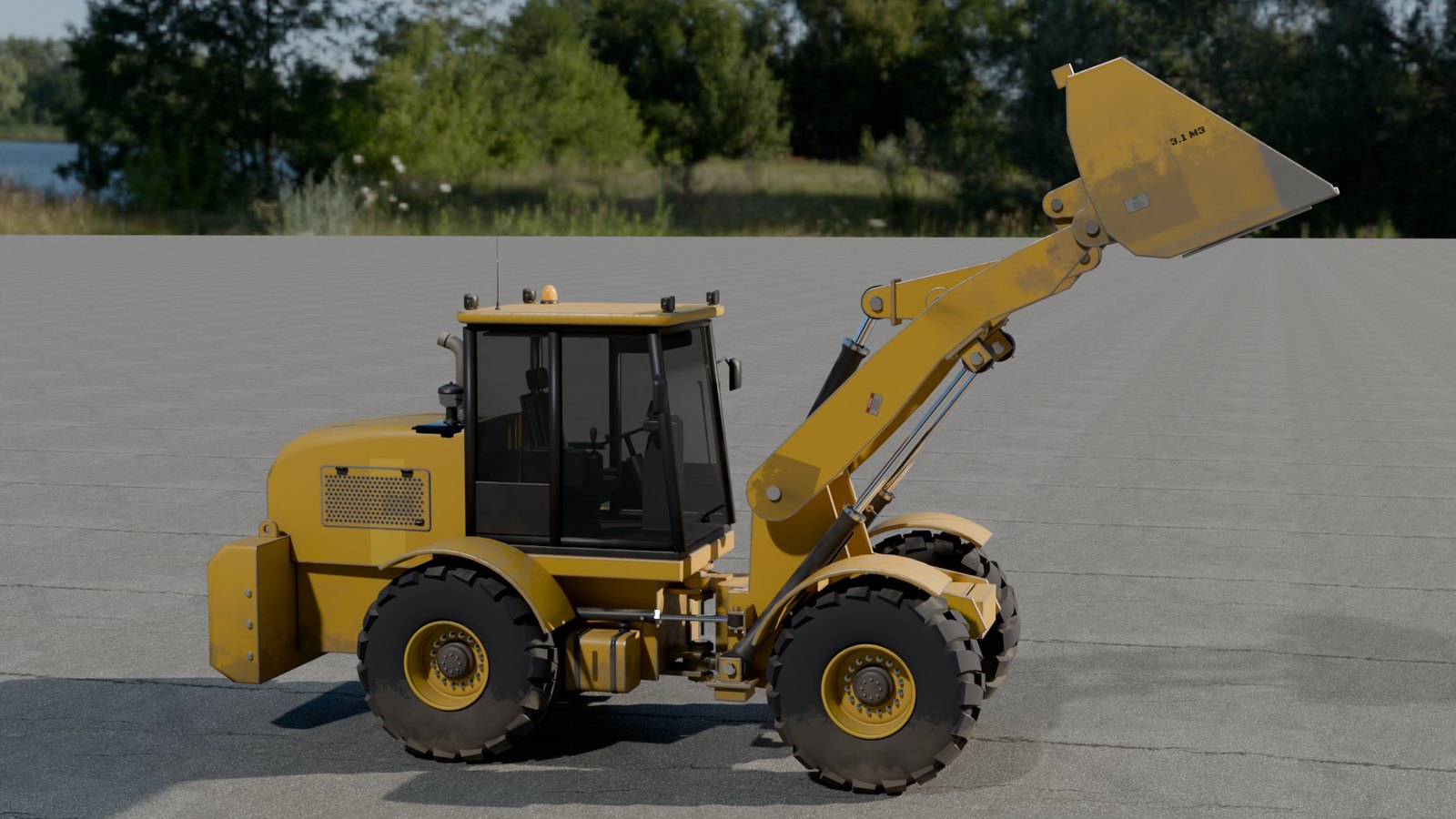
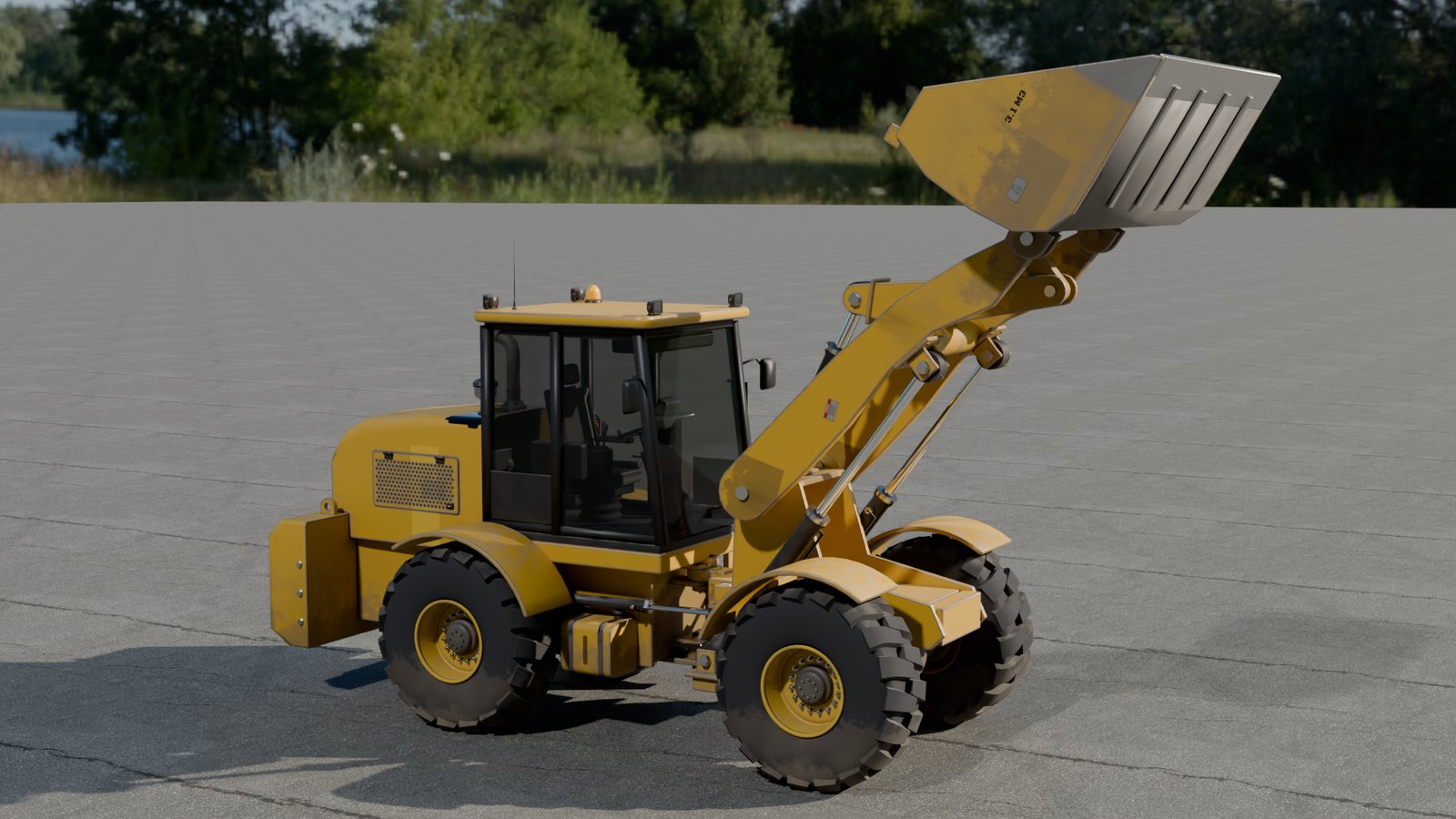
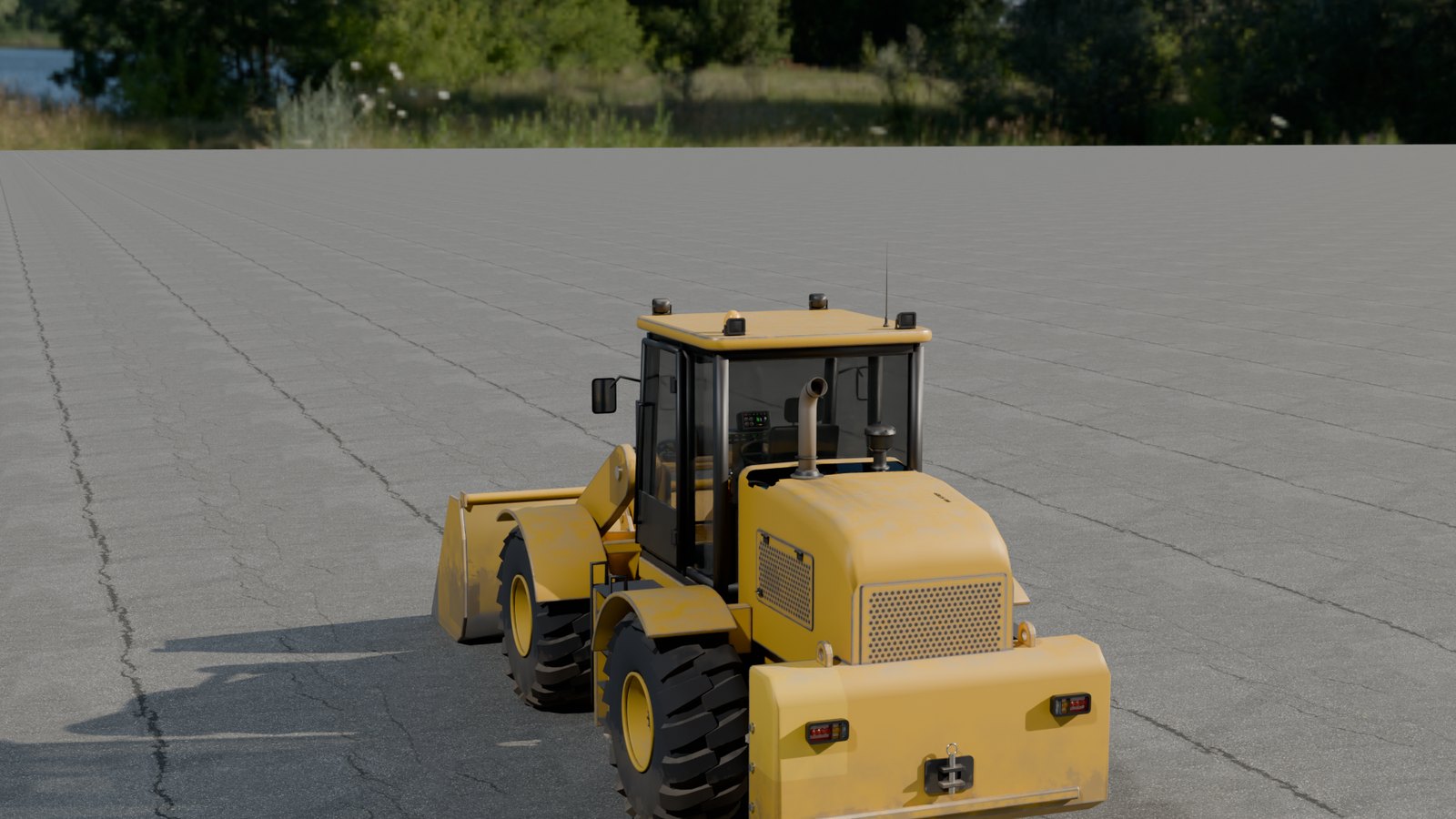
Drivable Wheel Loader: a game-ready 19-tonne class articulated wheel loader with a live cockpit (shader display reading F/N/R, gear, speed, revs, gauges and warning lamps; joystick, steering wheel, pedals and keypad that move with the controls; switchable work lights), a Z-bar linkage solved for every lever position, hydraulic hoses, a fitted cab, LODs and fitted collision, plus a drive pawn on a work-site demo map.
What's included
- 20 in
Animations - 4 in
Blueprints - 2 in
Maps - 21 in
Materials - 10 in
Meshes - 34 in
Textures - 1 in
UI
Requirements
- Unreal Engine 5.5, 5.6, 5.7, 5.8; content only (no plugins, no C++, no dependencies).
- Windows tested; the content is platform independent.
Opening it in Unreal Engine
- Open the project, or copy its
Content/DrivableWheelLoaderfolder into your own project'sContentfolder (or use Migrate from the Content Browser). - Open
DrivableWheelLoader/Maps/L_WheelLoader_Siteand press Play. DrivableWheelLoader/Maps/L_WheelLoader_Overviewshows every asset of the pack, labelled.
Controls and Blueprints
- Drive pawn: BP_WheelLoader_Drive. Walk up and press E to get in; W/S drive, brake and reverse; A/D steer by articulating at the centre hitch; I/K lift and lower the arms; J/L rack back and dump the bucket; 1-6 press the armrest keypad; U work lights; V chase or operator's seat camera; E gets out when stopped. Tuning variables in its Drive category.
- Live cockpit: BP_BPC_WheelLoader_Cockpit on the pawn draws the instrument display from the machine's state with a material (no swapped textures), turns the joystick, steering wheel, pedals and F-N-R lever with the inputs, presses and lights the keypad keys and switches the roof work lights. The loader linkage follows a table solved for every arm and bucket position, so the cylinders, bellcrank and link stay pinned.
- Package: BP_WheelLoader_main with its rig, 20 clips (11 named animations plus the cockpit's own rod, key and wheel clips) and LOD static meshes; drop it in any level and call its events without the pawn.
- Collision: every static mesh collides as drawn; the rig has a physics asset of fitted boxes on its moving parts, kinematic so it follows the animation.
- Demo map: a 200 m work site with gravel stockpiles, sky, sun and haze; the loader parked with a player start beside its ladder.
Using it in your own level
- Drag
DrivableWheelLoader/Blueprints/BP_WheelLoader_Driveinto the level, near a Player Start. - Press Play, walk up to it and press E to get in.
- Select the placed BP_WheelLoader_Drive and adjust its tuning variables in the Details panel; each carries a tooltip.
Folder layout
Every asset is in its type's folder under DrivableWheelLoader:
| Folder | Assets |
|---|---|
DrivableWheelLoader/Animations | 20: AS_WheelLoader_main_Rig_BoomLower, AS_WheelLoader_main_Rig_BoomRaise, AS_WheelLoader_main_Rig_BucketCurl, AS_WheelLoader_main_Rig_BucketDump, AS_WheelLoader_main_Rig_DoorClose, AS_WheelLoader_main_Rig_DoorOpen, AS_WheelLoader_main_Rig_DriveForward, AS_WheelLoader_main_Rig_DriveReverse, AS_WheelLoader_main_Rig_Live_LiftRods, AS_WheelLoader_main_Rig_Live_Press_key_aux, AS_WheelLoader_main_Rig_Live_Press_key_float, AS_WheelLoader_main_Rig_Live_Press_key_kick and 8 more |
DrivableWheelLoader/Blueprints | 4: ABP_WheelLoader_main_Controls, BP_BPC_WheelLoader_Cockpit, BP_WheelLoader_Drive, BP_WheelLoader_main |
DrivableWheelLoader/Maps | 2: L_WheelLoader_Overview, L_WheelLoader_Site |
DrivableWheelLoader/Materials | 21: MI_GRB_main_baked_A0d5c4, MI_GRB_main_baked_A70b7e, MI_GRB_main_baked_A86f93, MI_GRB_main_baked_A89529, MI_GRB_main_baked_Aaca10, MI_GRB_main_baked_Ae9b0e, MI_bowl_clear, MI_glass, MI_lamp_lens, MI_lens, MI_lens_amber, MI_lens_clear and 9 more |
DrivableWheelLoader/Meshes | 10: PHYS_WheelLoader_main_Rig, SKEL_WheelLoader_main_Rig_Skeleton, SK_WheelLoader_main_Rig, SM_Site_Pile, SM_main__static__main_baked__close, SM_main__static__main_baked__far, SM_main__static__main_baked__hero, SM_main__static__main_baked__medium, SM_main__static__main_baked__silhouette, SM_main__static__main_glass__close |
DrivableWheelLoader/Textures | 34: T_Bowl_Clear_base_color_dark, T_Glass_base_color_dark, T_Lamp_Lens_base_color_dark, T_Lens_Amber_base_color_dark, T_Lens_Clear_base_color_dark, T_Lens_Red_base_color_dark, T_Lens_base_color_dark, T_Markings_Sheet_base_color, T_Markings_Sheet_normal, T_Markings_Sheet_orm, T_WheelLoader_Instruments_atlas, T_WheelLoader_Instruments_static and 22 more |
DrivableWheelLoader/UI | 1: WBP_GR_DriveHud |
Engines and formats
Unreal Engine 5.5, Unreal Engine 5.6, Unreal Engine 5.7, Unreal Engine 5.8, Unity, Godot.
- FBX per package (static meshes with LODs and UCX_ collision, plus a skeletal rig with its clips)
- GLB per package and LOD
- PNG textures (tiling, baked and atlas maps)
- Unreal Python importer driven by the manifest
- Unreal Engine project per engine (5.5, 5.6, 5.7, 5.8) with Blueprints, materials and a demo map
Help
Questions, bugs or requests: contact us. The product's page in the Exaro store has its full description and a 3D preview you can turn in the browser.
 Vehicles
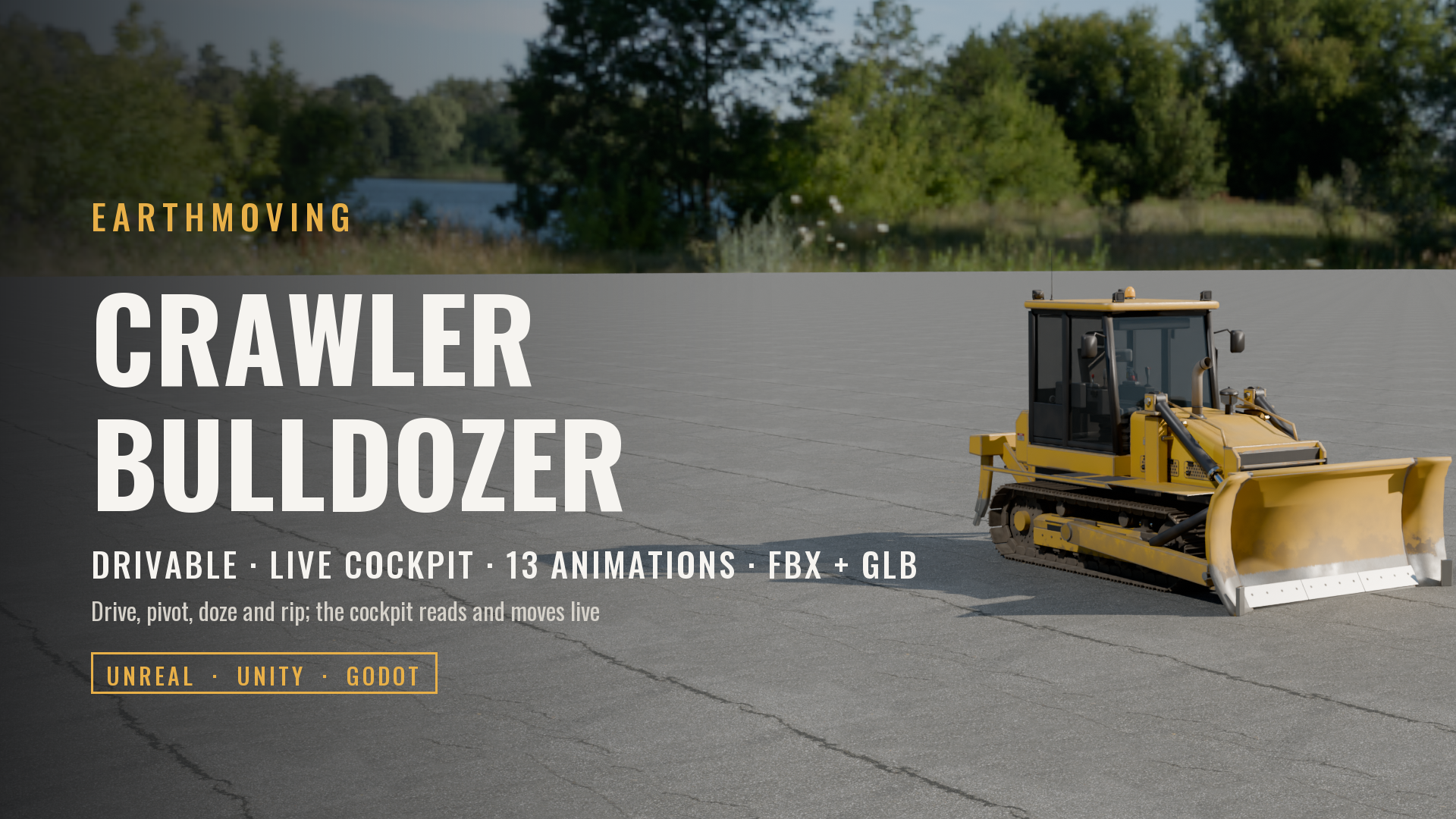
Crawler Bulldozer with Ripper (Drivable, Live Cockpit, Rigged & Animated)
 Vehicles
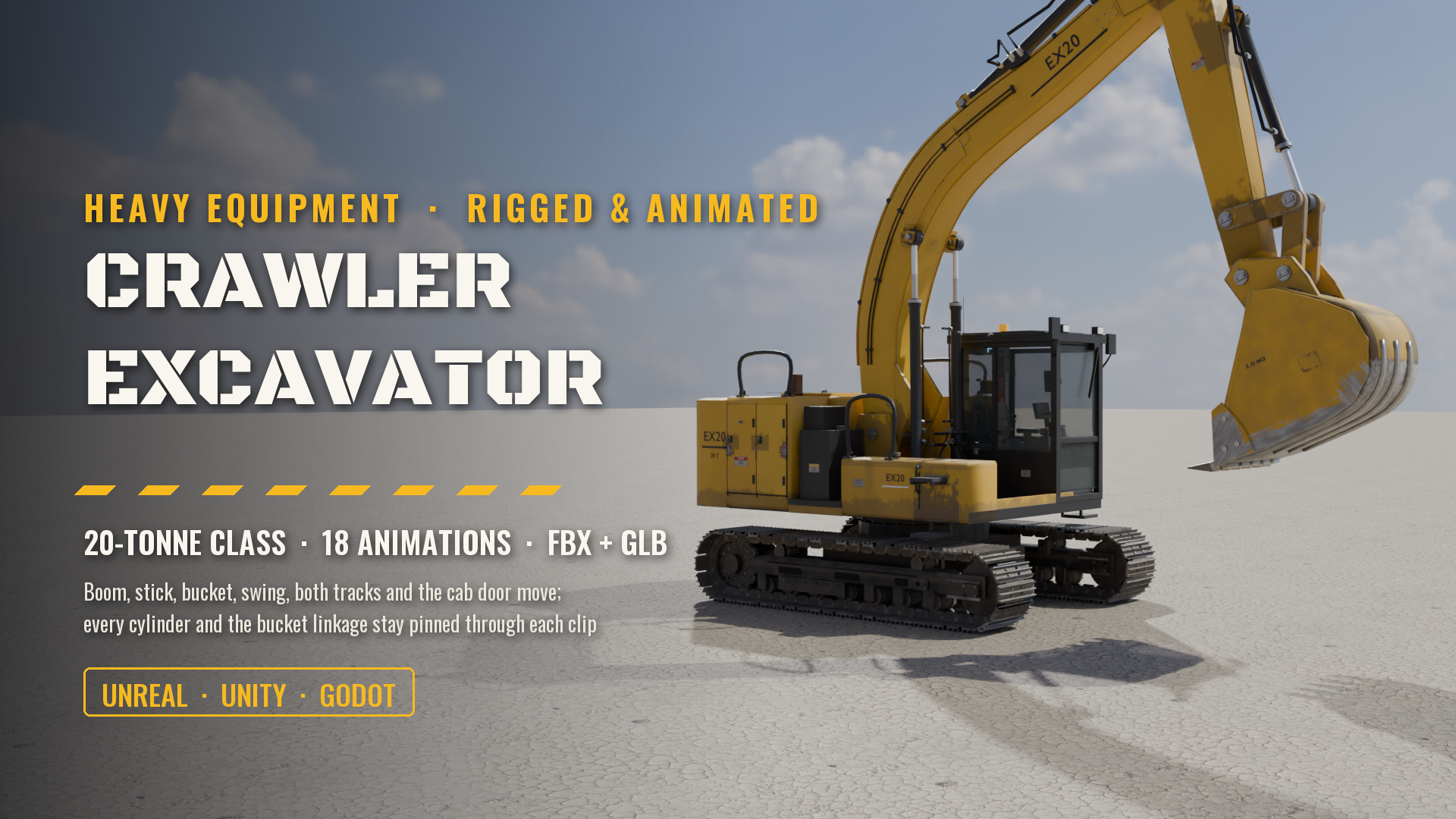
Crawler Excavator, 20-Tonne Class (Rigged & Animated: Boom, Stick, Bucket, Swing, Tracks, Cab)
 Vehicles
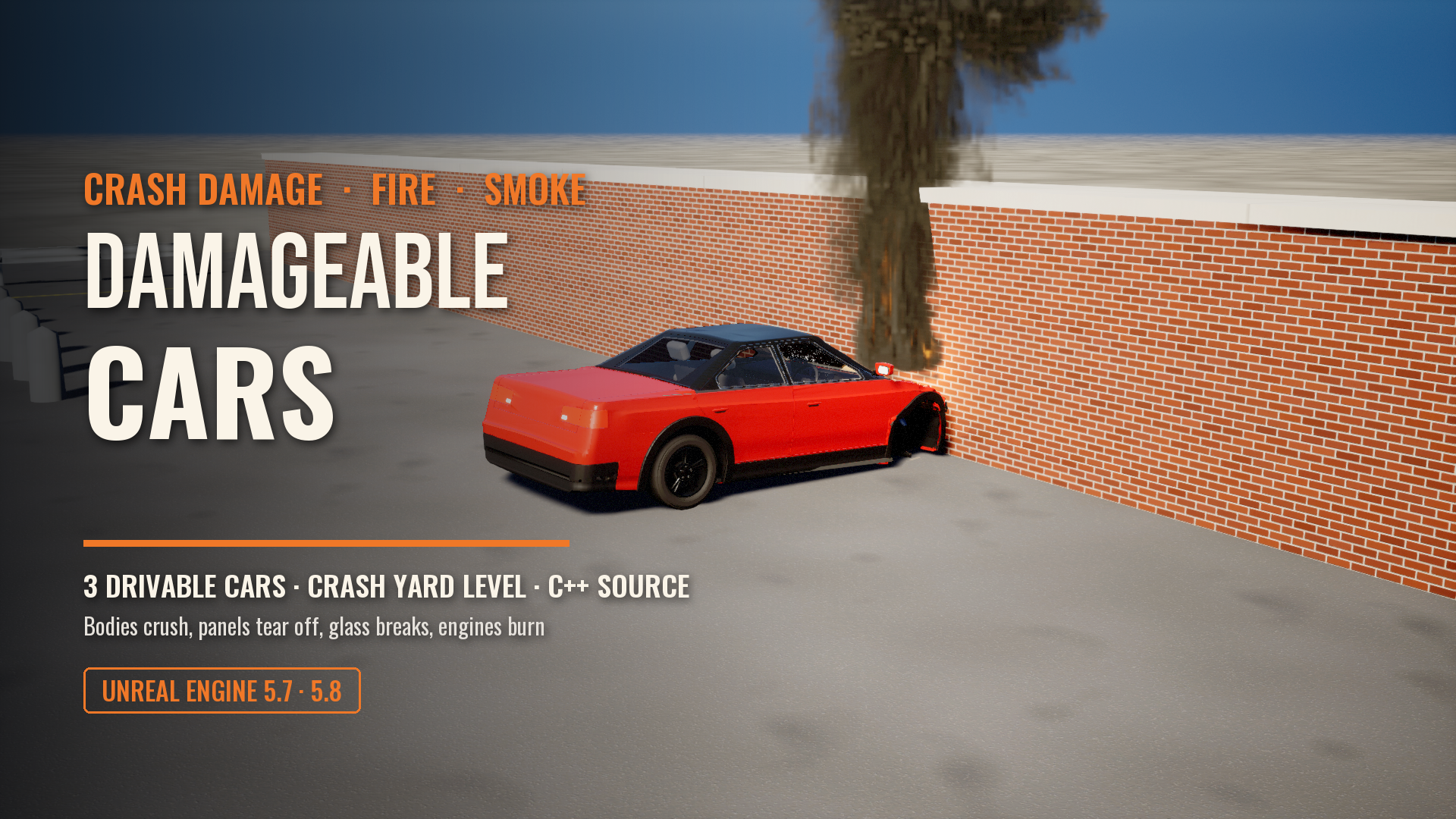
Damageable Cars: Real Crash Damage, Fire and Smoke for Unreal Engine
 Vehicles
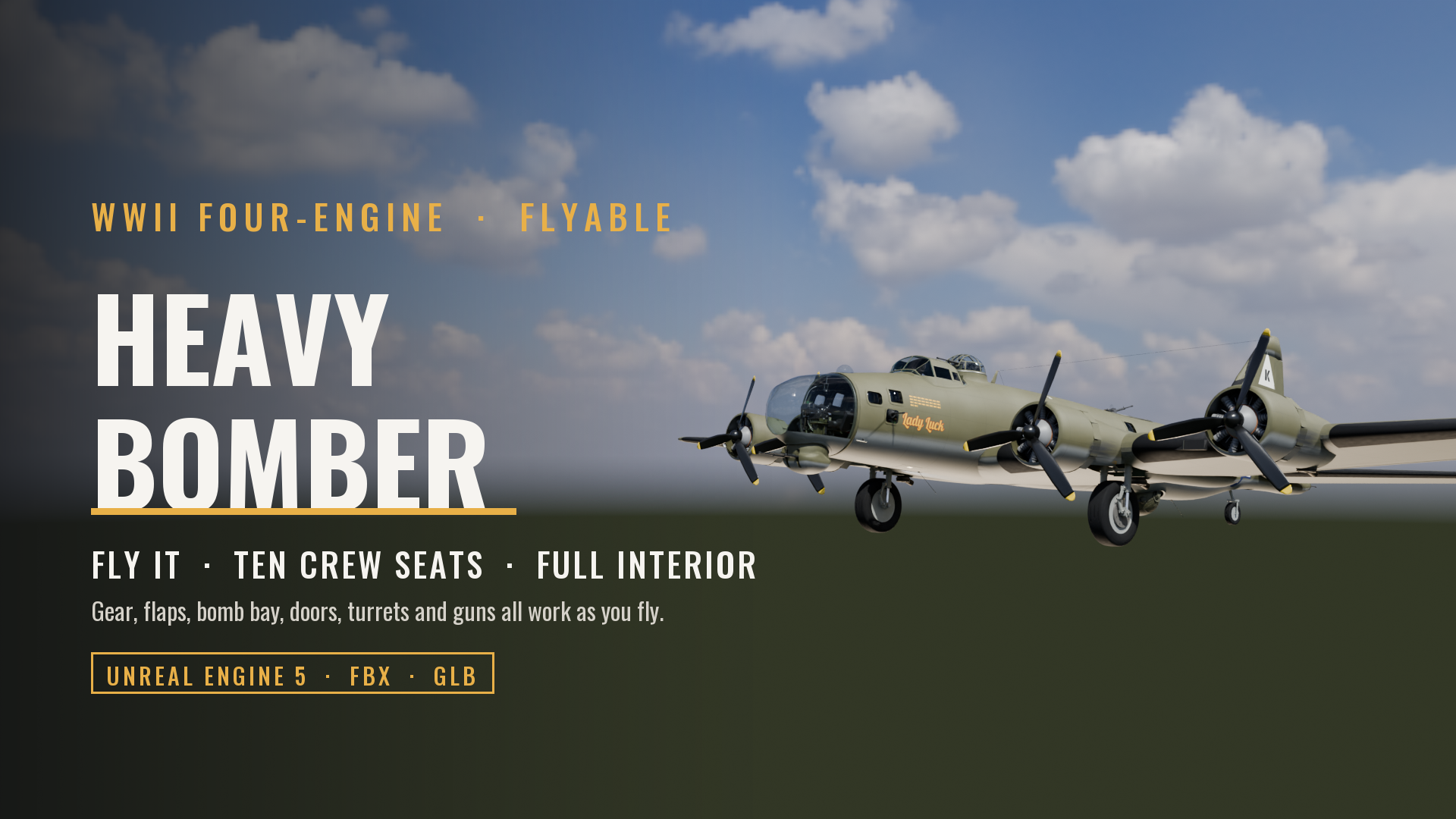
Flyable WWII Heavy Bomber, Four-Engine (Full Crew Interior, Ten Crew Seats, Working Gear, Flaps, Bomb Bay, Guns and Controls)
 Vehicles
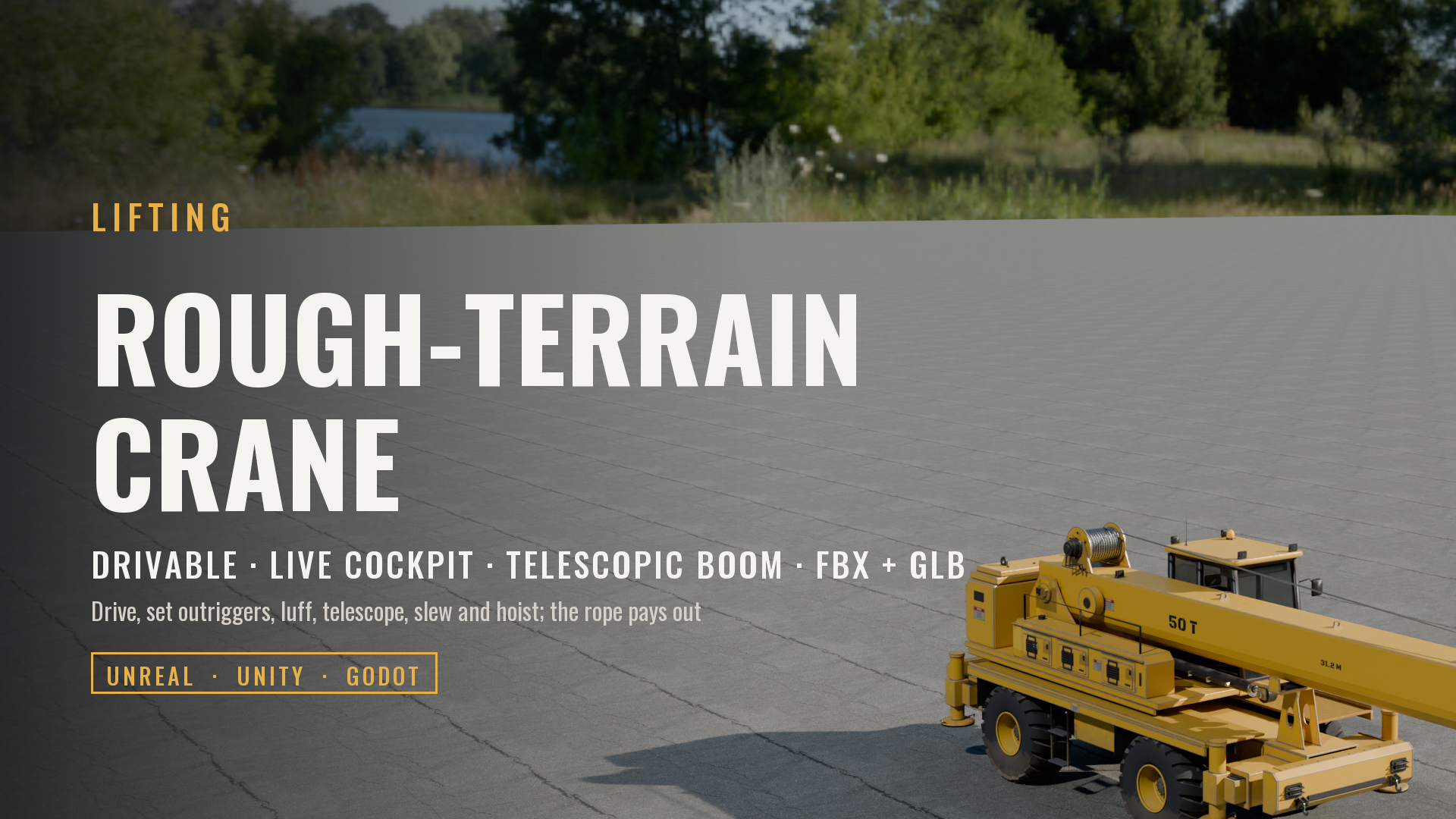
Rough-Terrain Mobile Crane (Drivable, Telescopic Boom, Live Cockpit, Rigged & Animated)
 Vehicles
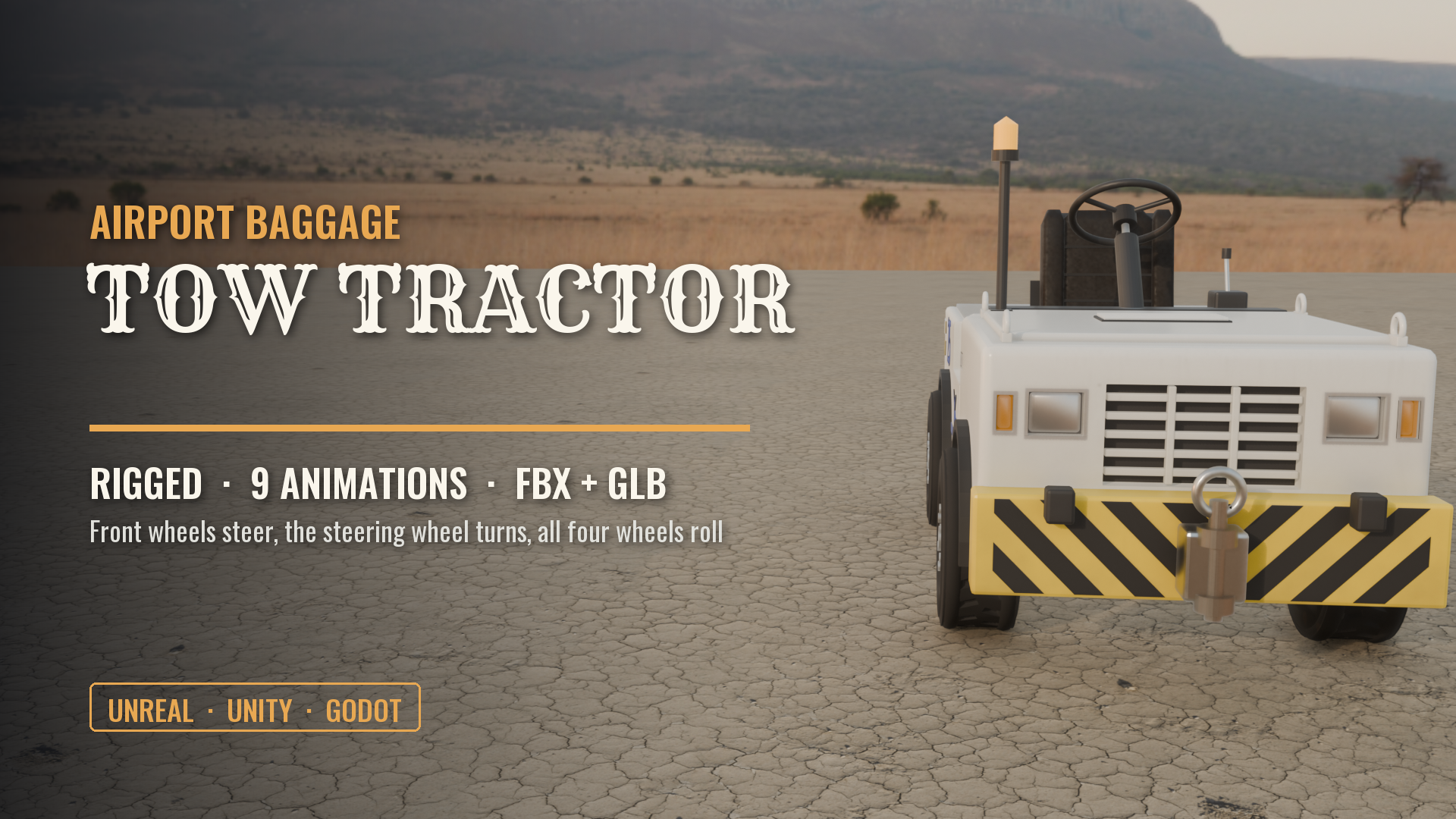
Airport Baggage Tow Tractor (Rigged, Steering & Rolling Wheels)
Made with our own production tools
Every Exaro asset is built, checked and packed for Unreal Engine with the same tools we sell: Exaro Model in Blender and Exaro for Unreal inside the editor, driven by the AI you already use.