Drivable Soil Compactor Road Roller with Live Cockpit
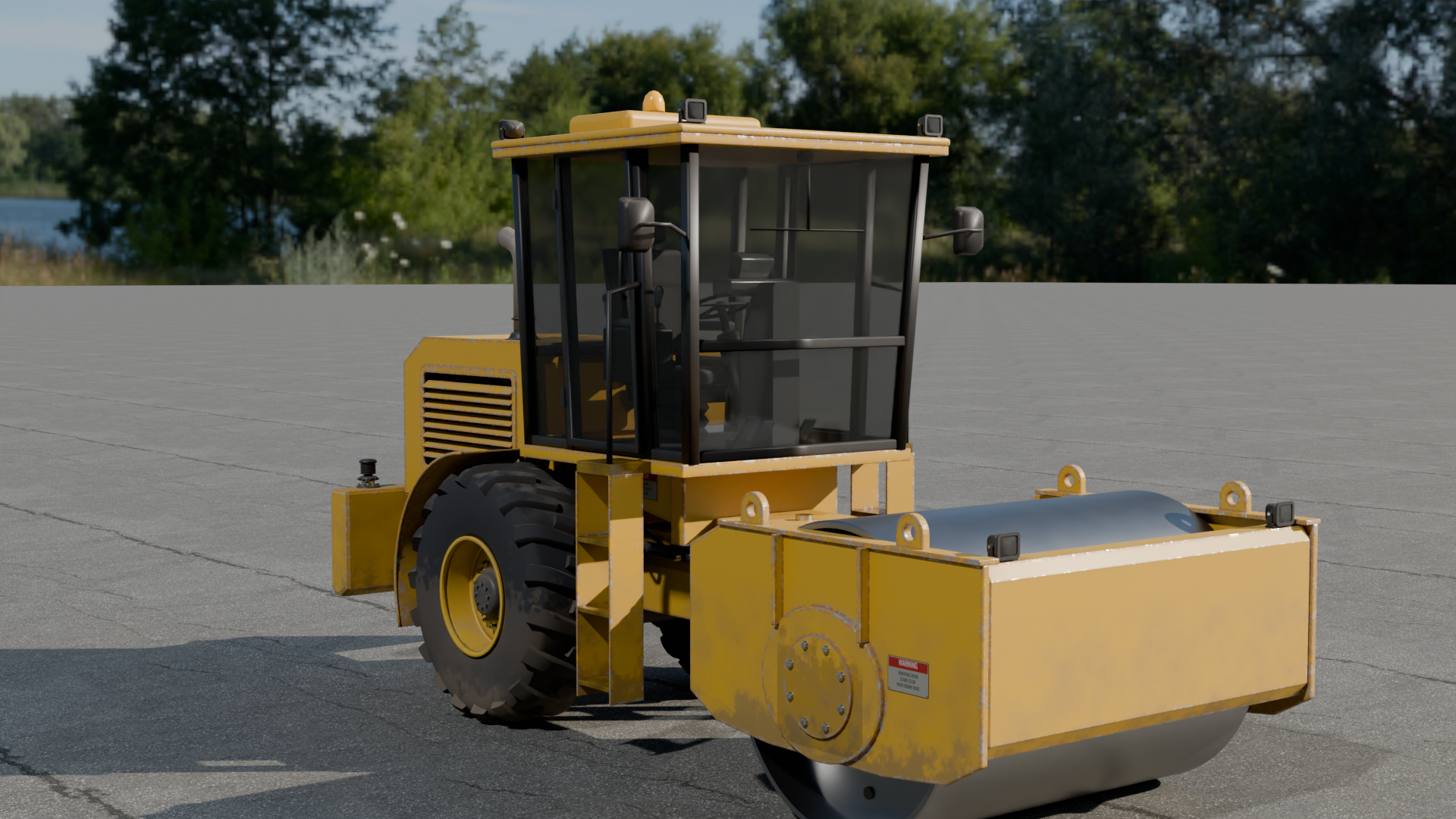
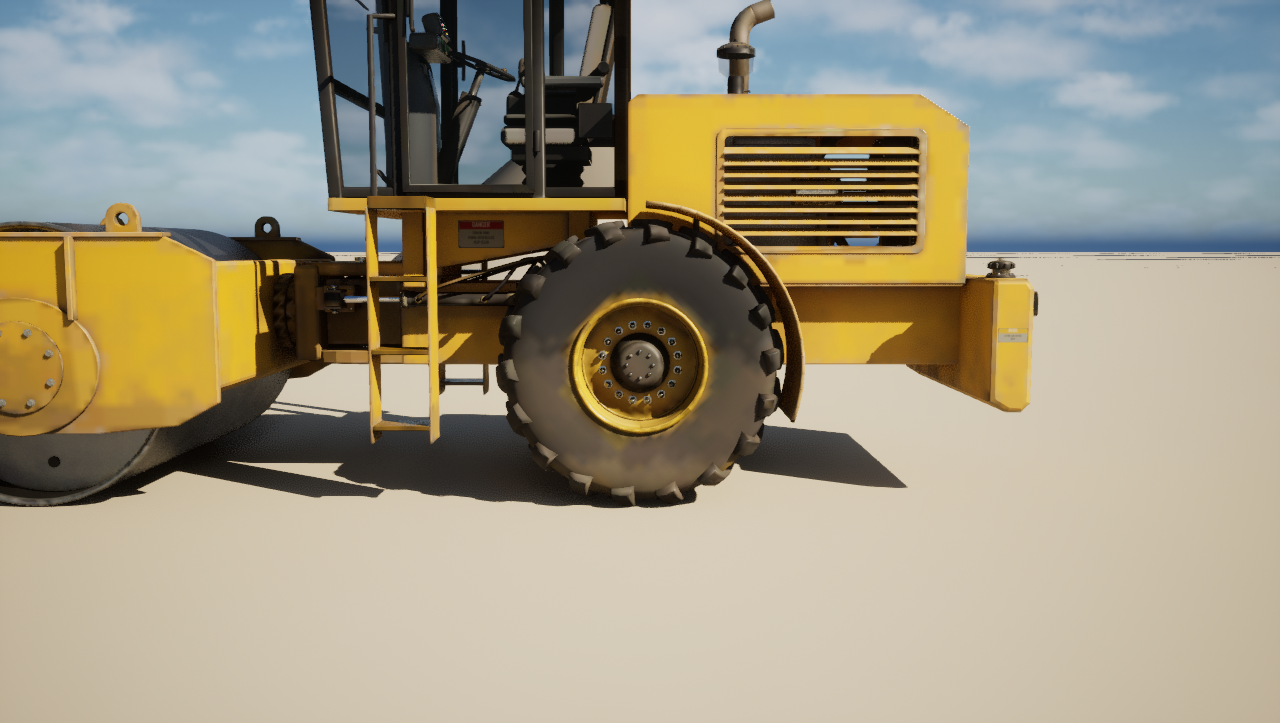
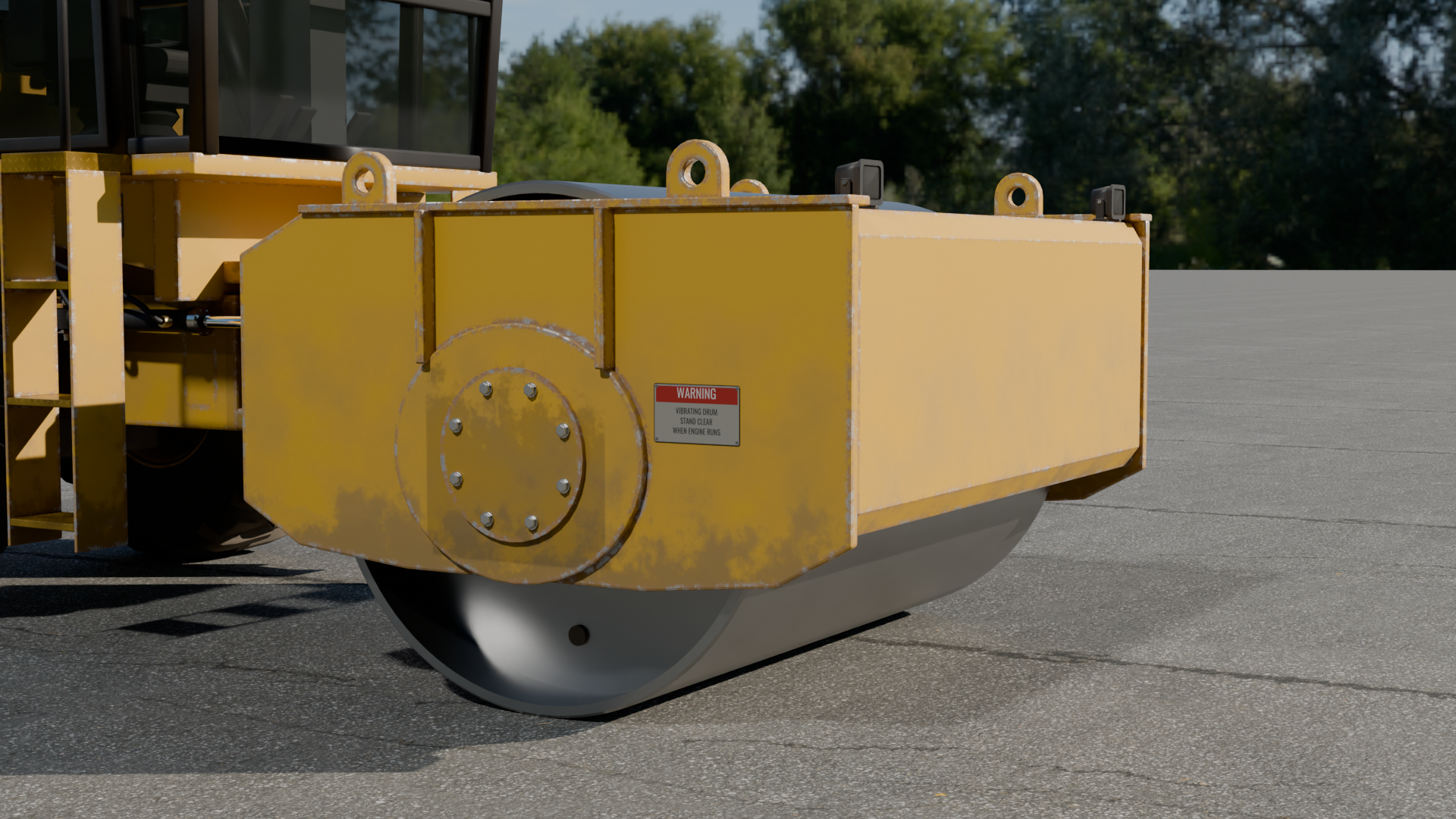
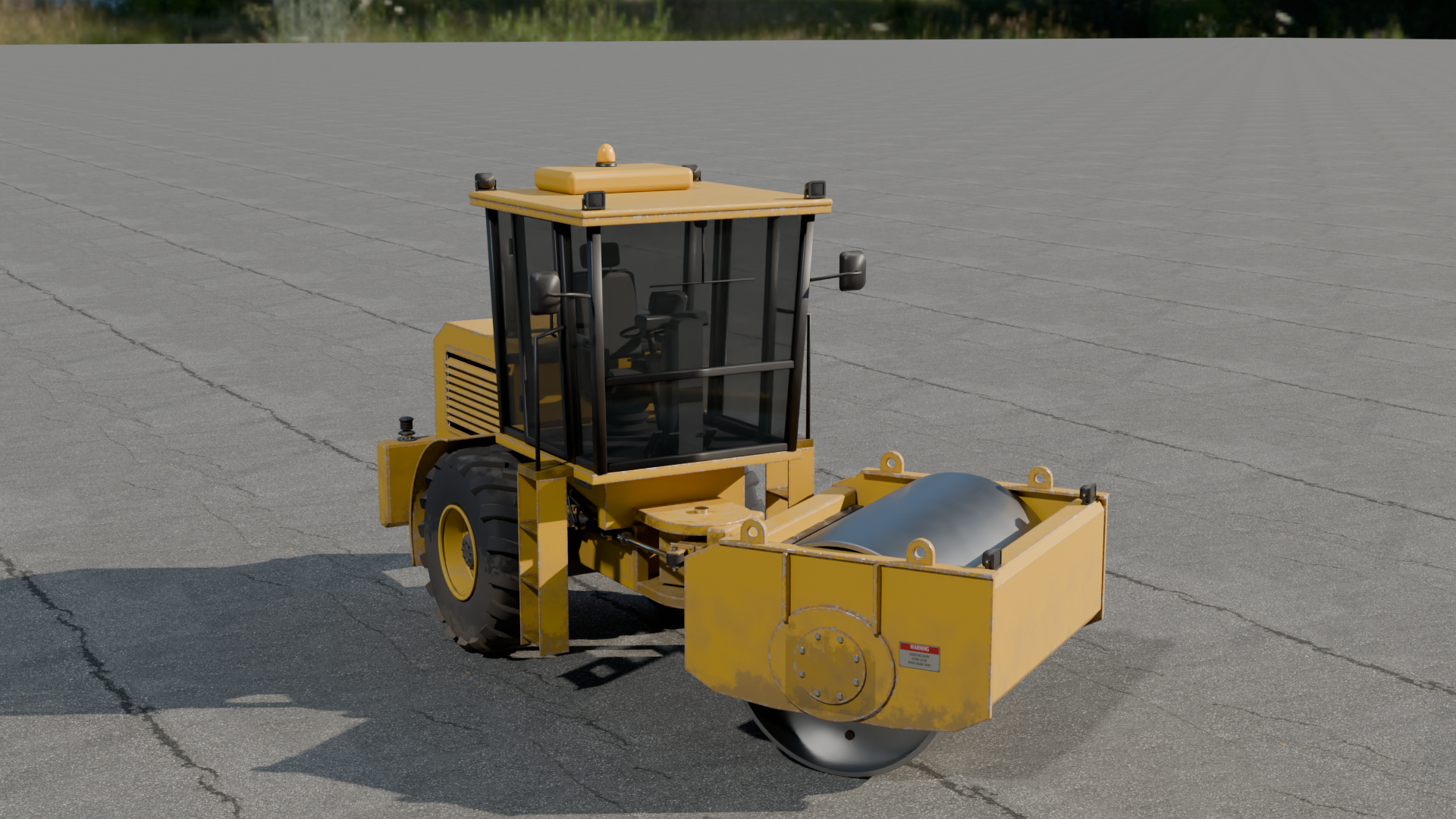
Drivable Soil Compactor: a game-ready 13-tonne single-drum vibratory roller with a live cockpit (shader display reading F/N/R, gear, speed, revs, gauges and warning lamps; steering wheel, pedals and armrest drive lever that move with the controls), a drum that rolls and vibrates on its buffers, centre-pivot steering on solved rams, an oscillating drum frame, scrapers, a see-through engine bay, LODs and fitted collision, plus a drive pawn on a demo site.
What's included
- 19 in
Animations - 4 in
Blueprints - 2 in
Maps - 19 in
Materials - 9 in
Meshes - 29 in
Textures - 1 in
UI
Requirements
- Unreal Engine 5.5, 5.6, 5.7, 5.8; content only (no plugins, no C++, no dependencies).
- Windows tested; the content is platform independent.
Opening it in Unreal Engine
- Open the project, or copy its
Content/DrivableSoilCompactorfolder into your own project'sContentfolder (or use Migrate from the Content Browser). - Open
DrivableSoilCompactor/Maps/L_SoilCompactor_Siteand press Play. DrivableSoilCompactor/Maps/L_SoilCompactor_Overviewshows every asset of the pack, labelled.
Controls and Blueprints
- Drive pawn: BP_SoilCompactor_Drive. Walk up and press E to get in; W/S drive, brake and reverse; A/D steer on the centre joint; 1-6 press the keypad keys (vibration, amplitude, auto, eco, beacon, park); U work lamps; V chase or operator's seat camera; E gets out when stopped. Tuning variables in its Drive category.
- Live cockpit: BP_BPC_SoilCompactor_Cockpit on the pawn draws the instrument display from the machine's state with a material, turns the steering wheel, moves the pedals, the F-N-R lever and the armrest drive lever with the inputs and turns the drum and tyres at the speed driven. The steering rams are solved into their clips, so every ram stays pinned.
- Package: BP_SoilCompactor_main with its rig, its clips (Vibrate, Oscillate, CompactPass among them) and LOD static meshes; drop it in any level and play its animations without the pawn.
- Collision: every static mesh collides as drawn; the rig has a physics asset of fitted boxes on its moving parts, kinematic so it follows the animation.
- Demo map: a work site with gravel stockpiles, sky, sun and haze; the compactor parked with a player start beside its cab ladder.
Using it in your own level
- Drag
DrivableSoilCompactor/Blueprints/BP_SoilCompactor_Driveinto the level, near a Player Start. - Press Play, walk up to it and press E to get in.
- Select the placed BP_SoilCompactor_Drive and adjust its tuning variables in the Details panel; each carries a tooltip.
Folder layout
Every asset is in its type's folder under DrivableSoilCompactor:
| Folder | Assets |
|---|---|
DrivableSoilCompactor/Animations | 19: AS_SoilCompactor_main_Rig_CompactPass, AS_SoilCompactor_main_Rig_DoorClose_L, AS_SoilCompactor_main_Rig_DoorClose_R, AS_SoilCompactor_main_Rig_DoorOpen_L, AS_SoilCompactor_main_Rig_DoorOpen_R, AS_SoilCompactor_main_Rig_Drive, AS_SoilCompactor_main_Rig_DriveReverse, AS_SoilCompactor_main_Rig_Live_Press_key_amp, AS_SoilCompactor_main_Rig_Live_Press_key_auto, AS_SoilCompactor_main_Rig_Live_Press_key_bcn, AS_SoilCompactor_main_Rig_Live_Press_key_eco, AS_SoilCompactor_main_Rig_Live_Press_key_park and 7 more |
DrivableSoilCompactor/Blueprints | 4: ABP_SoilCompactor_main_Controls, BP_BPC_SoilCompactor_Cockpit, BP_SoilCompactor_Drive, BP_SoilCompactor_main |
DrivableSoilCompactor/Maps | 2: L_SoilCompactor_Overview, L_SoilCompactor_Site |
DrivableSoilCompactor/Materials | 19: MI_GRB_main_baked_A70b7e, MI_GRB_main_baked_A86f93, MI_GRB_main_baked_A89529, MI_GRB_main_baked_Aaca10, MI_GRB_main_baked_Ae9b0e, MI_bowl_clear, MI_glass, MI_lamp_lens, MI_lens_amber, MI_lens_clear, MI_lens_red, MI_markings_sheet and 7 more |
DrivableSoilCompactor/Meshes | 9: PHYS_SoilCompactor_main_Rig, SKEL_SoilCompactor_main_Rig_Skeleton, SK_SoilCompactor_main_Rig, SM_Site_Pile, SM_main__static__main_baked__close, SM_main__static__main_baked__far, SM_main__static__main_baked__hero, SM_main__static__main_baked__medium, SM_main__static__main_baked__silhouette |
DrivableSoilCompactor/Textures | 29: T_Bowl_Clear_base_color_dark, T_Glass_base_color_dark, T_Lamp_Lens_base_color_dark, T_Lens_Amber_base_color_dark, T_Lens_Clear_base_color_dark, T_Lens_Red_base_color_dark, T_Markings_Sheet_base_color, T_Markings_Sheet_normal, T_Markings_Sheet_orm, T_SoilCompactor_Instruments_atlas, T_SoilCompactor_Instruments_static, T_SoilCompactor_Keypad_atlas and 17 more |
DrivableSoilCompactor/UI | 1: WBP_GR_DriveHud |
Engines and formats
Unreal Engine 5.5, Unreal Engine 5.6, Unreal Engine 5.7, Unreal Engine 5.8, Unity, Godot.
- FBX per package (static meshes with LODs and UCX_ collision, plus a skeletal rig with its clips)
- GLB per package and LOD
- PNG textures (tiling, baked and atlas maps)
- Unreal Python importer driven by the manifest
- Unreal Engine project per engine (5.5, 5.6, 5.7, 5.8) with Blueprints, materials and a demo map
Help
Questions, bugs or requests: contact us. The product's page in the Exaro store has its full description and a 3D preview you can turn in the browser.
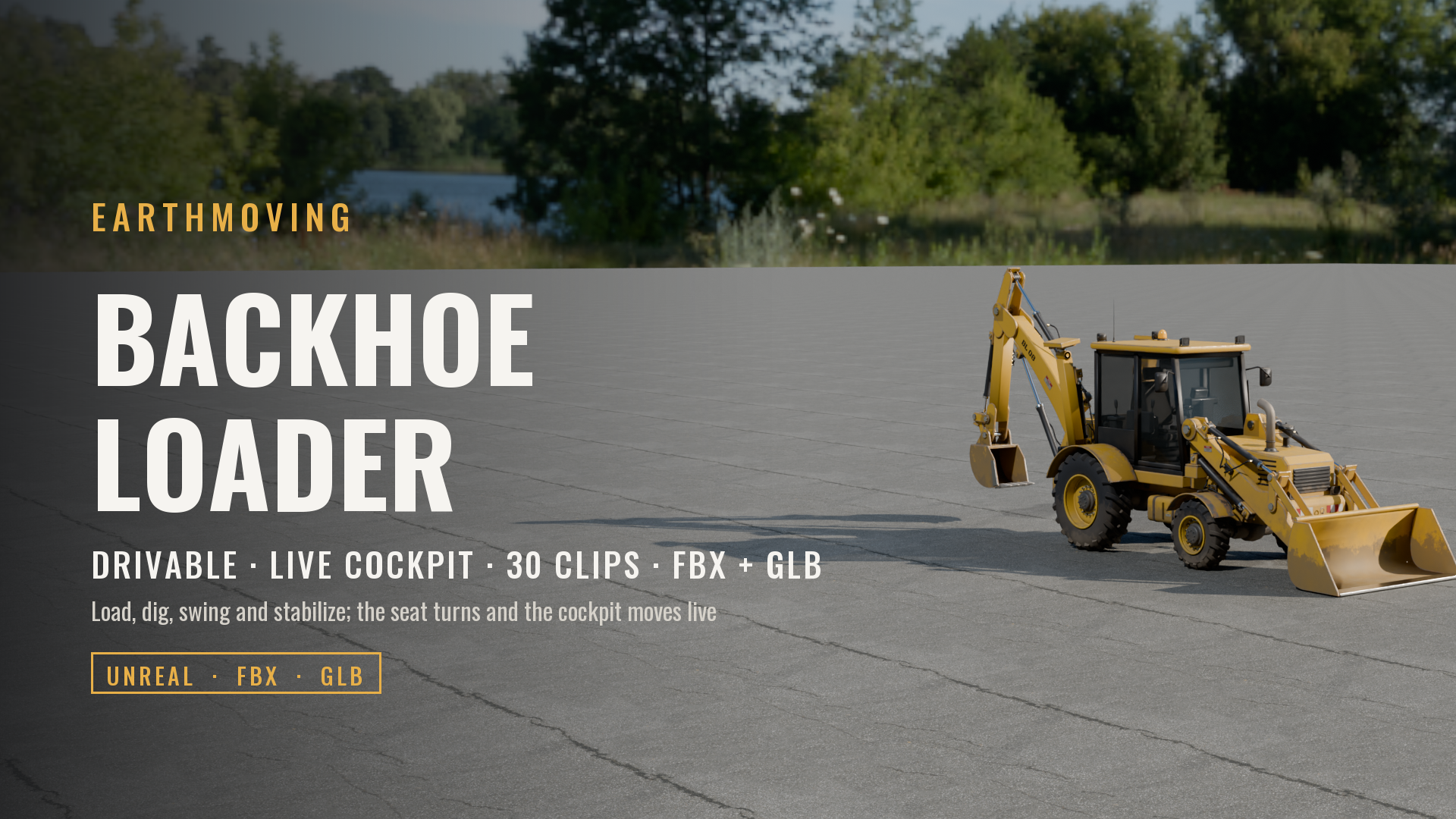 Vehicles
Backhoe Loader (Drivable, Live Cockpit, Rigged & Animated)
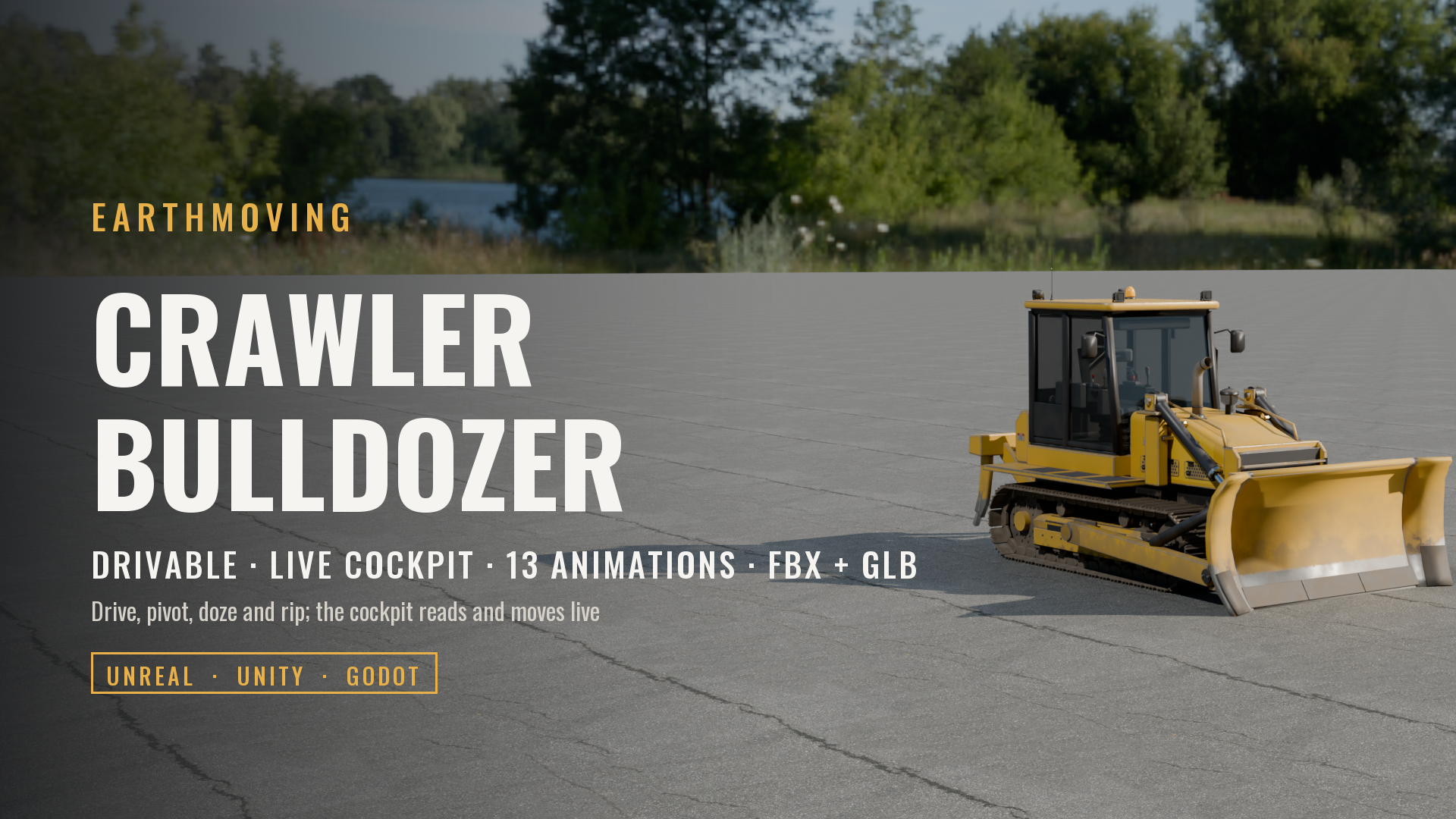 Vehicles
Crawler Bulldozer with Ripper (Drivable, Live Cockpit, Rigged & Animated)
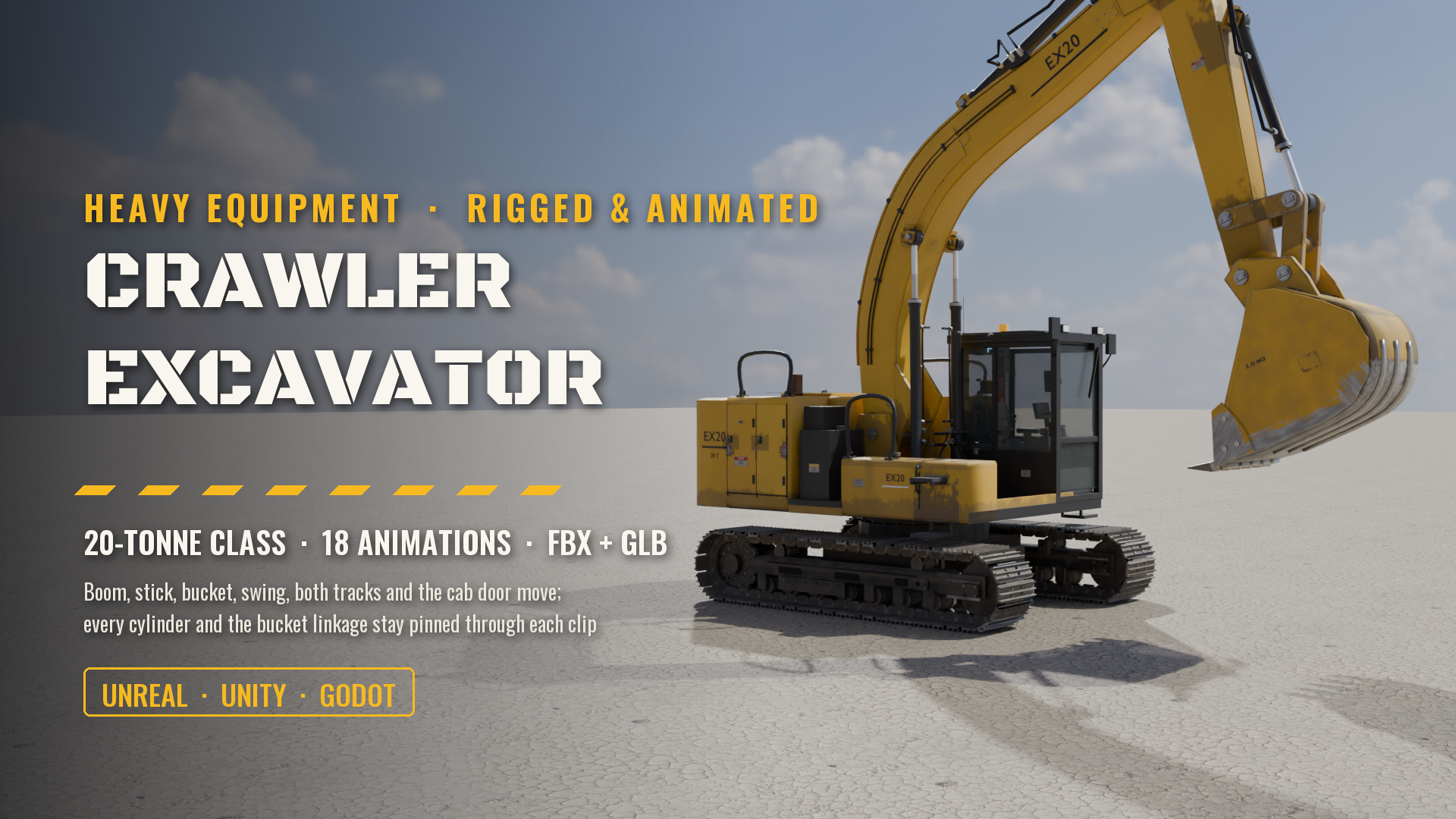 Vehicles
Crawler Excavator, 20-Tonne Class (Rigged & Animated: Boom, Stick, Bucket, Swing, Tracks, Cab)
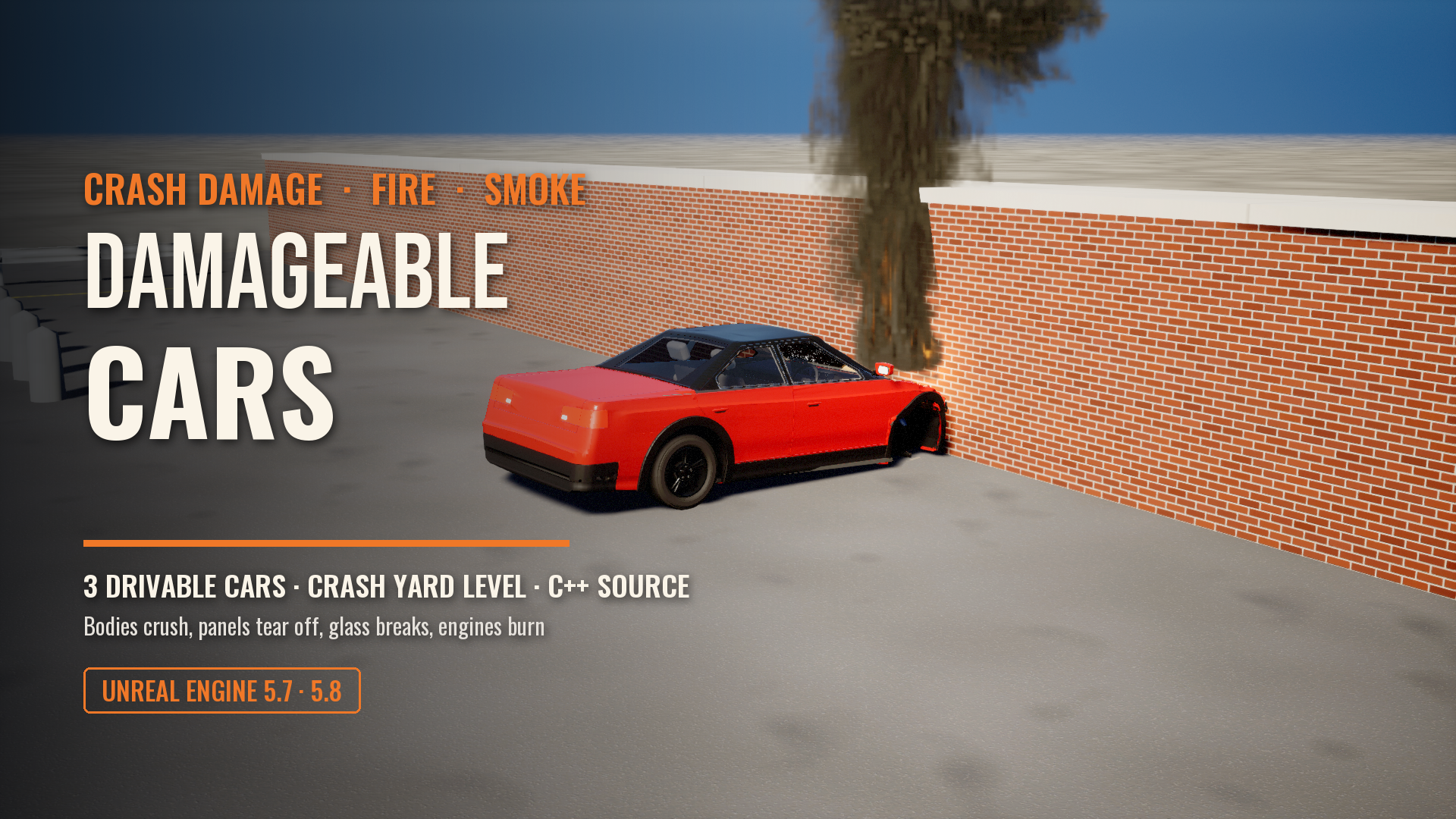 Vehicles
Damageable Cars: Real Crash Damage, Fire and Smoke for Unreal Engine
 Vehicles
Flyable WWII Heavy Bomber, Four-Engine (Full Crew Interior, Ten Crew Seats, Working Gear, Flaps, Bomb Bay, Guns and Controls)
 Vehicles
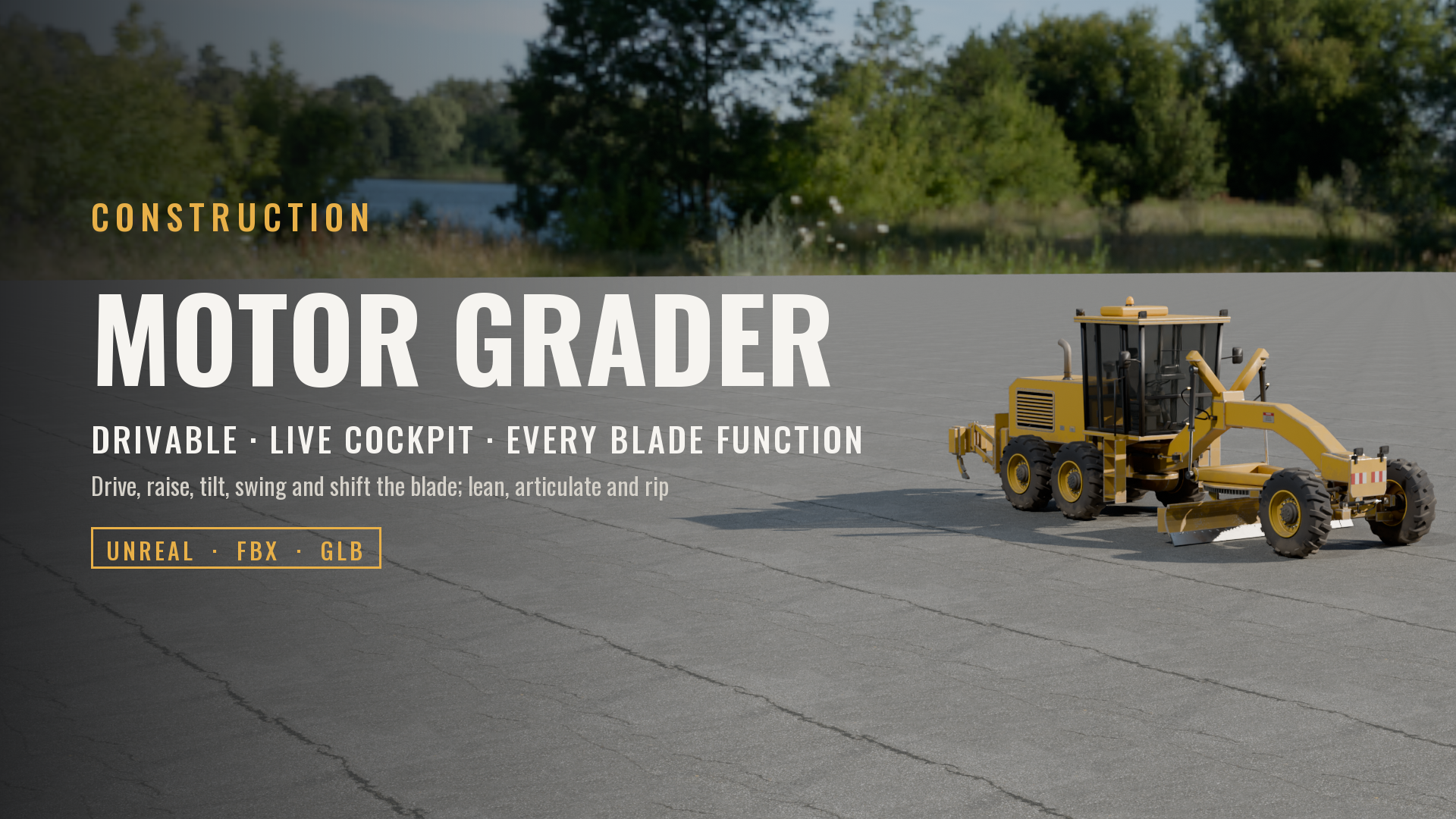
Motor Grader (Drivable, Live Cockpit, Rigged & Animated)
Made with our own production tools
Every Exaro asset is built, checked and packed for Unreal Engine with the same tools we sell: Exaro Model in Blender and Exaro for Unreal inside the editor, driven by the AI you already use.